What is the real difference between Framer and Next.js for B2B SaaS?
Framer is a visual website platform for design-led page production, while Next.js is a React framework for custom web applications and content-heavy marketing systems. B2B SaaS teams should treat Framer as a fast publishing tool and Next.js as an owned web platform for SEO, performance, integrations, and product-adjacent experiences.
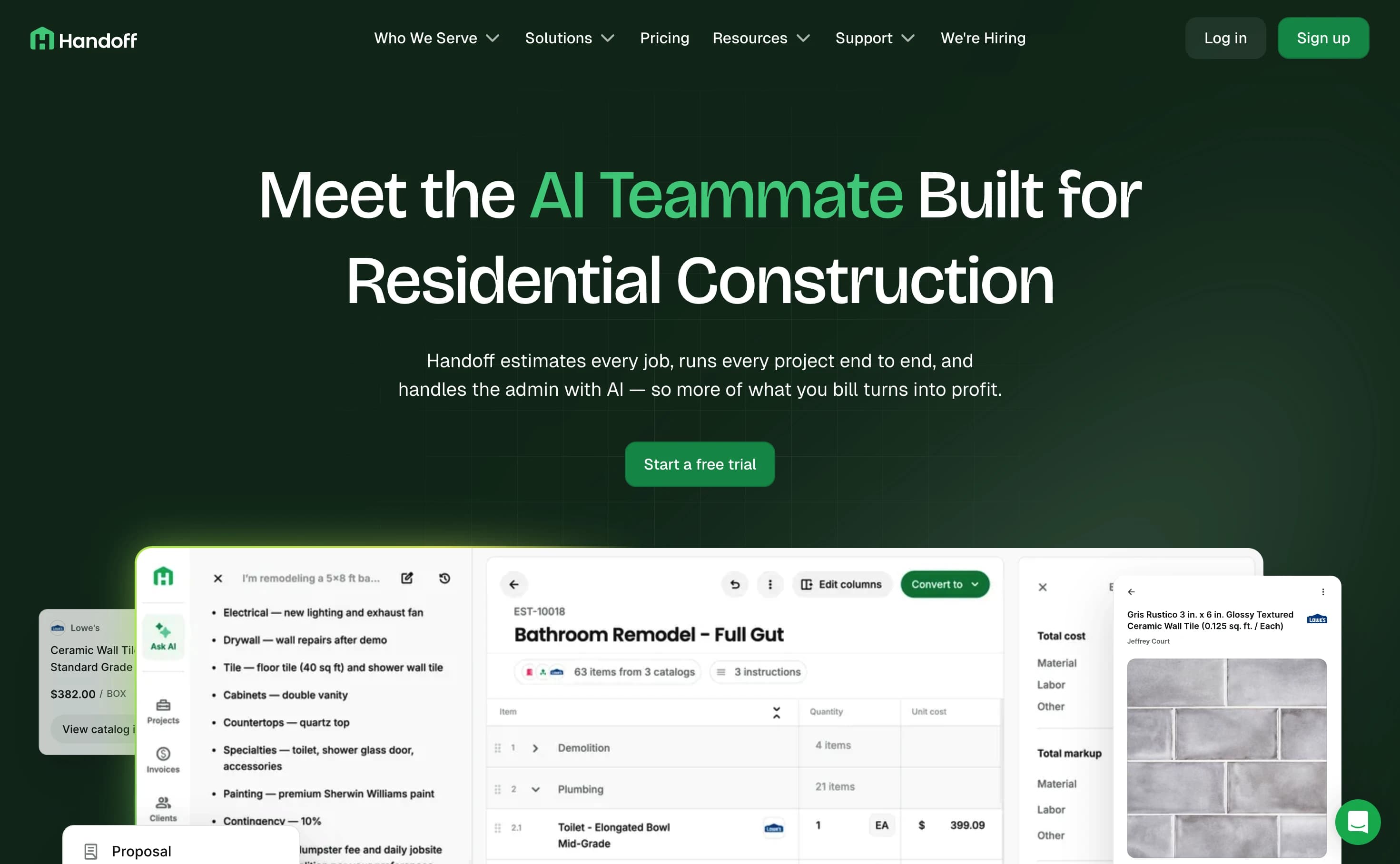
We see the split most clearly during redesigns for companies like Hona, Handoff, IndeHR, Torch Dental, MeterNet USA, and Aurora Lights. Framer can get a first marketing site live quickly. Next.js gives engineering and marketing a shared system once pages, content models, and conversion experiments stop fitting inside visual-builder constraints.
Google defines Core Web Vitals around loading, responsiveness, and visual stability, with good thresholds of LCP within 2.5 seconds, INP under 200 milliseconds, and CLS below 0.1 (Google Search Central). HTTP Archive's 2025 Web Almanac reported that mobile Core Web Vitals pass rates reached 48% in 2025, up from 44% in 2024 and 36% in 2023 (HTTP Archive). Most mobile sites still do not pass all three metrics.
| Decision area | Framer | Next.js + Sanity + Vercel |
|---|---|---|
| Fast MVP launch | Strong | Good, but needs setup |
| Visual editing | Strong | Strong when Sanity Presentation or visual editing is built |
| Technical SEO control | Moderate | Strong |
| Programmatic SEO | Limited | Strong |
| Product-led pages | Limited | Strong |
| CMS modeling | Good for simple collections | Strong for relational content |
| Developer ownership | Limited | Strong |
| Migration flexibility | Lower | Higher |
| Best stage | Pre-seed to early seed | Seed to Series B |
Related Virdis resources: B2B SaaS web design, Next.js web development, Sanity CMS development, Hona case study, Handoff, IndeHR, Torch Dental, MeterNet USA, Aurora Lights, and SaaS redesign framework.
When should a SaaS company choose Framer?
Framer is the better choice when a SaaS company needs a polished marketing site in weeks, has fewer than 15 important pages, and does not need complex CMS relationships. Framer works best when a founder, designer, or marketer owns most page updates without waiting for sprint capacity.
The pricing supports that early-stage use case. Framer lists Basic, Pro, Scale, and Enterprise site plans (Framer pricing). That predictable SaaS fee is part of the appeal while positioning and messaging are still changing.
That is enough for many seed-stage SaaS sites:
- Homepage
- Product overview
- 3-5 feature pages
- Pricing
- Demo or contact page
- Basic comparison or use-case pages
- Small blog or changelog
We recommend Framer when the biggest risk is slow brand execution, not platform limits. A team validating category positioning should not spend six weeks designing a headless CMS model before it knows which pages convert. A simple Framer plan is often a better business decision than a custom build when the site has 10 pages and no engineering dependency.
The tradeoff is control. Framer's visual model speeds editing, but custom content logic, reusable product data, server-rendered personalization, and strict component governance become harder as the site grows. The Series A inflection point usually appears when marketing wants repeatable page systems and engineering starts patching around the builder.
When should a SaaS company choose Next.js?
Next.js is the better choice when a SaaS website must support SEO scale, conversion testing, structured content, performance budgets, custom integrations, and product-led pages. The platform gives SaaS teams control over rendering, routing, metadata, analytics events, schema, accessibility, and reusable components across hundreds or thousands of pages.
Vercel's Next.js documentation says teams can track a project's Core Web Vitals in the Vercel dashboard, including loading speed, responsiveness, and visual stability (Vercel docs). That matters when website performance becomes a managed metric instead of an occasional Lighthouse check.
In Virdis migration work, we usually recommend Next.js when two or more of these conditions are true:
- The site has more than 15 strategic pages and a plan for 50+.
- The content model needs relationships across features, use cases, industries, authors, resources, and customers.
- Marketing wants reusable sections without creating design drift.
- SEO depends on comparison pages, templates, glossaries, or programmatic content.
- The site needs data from the app, CRM, billing system, or warehouse.
- Localization affects URL structure, metadata, and CMS workflows.
- Core Web Vitals are materially behind Google's good thresholds.
- Security, preview environments, and deployment review matter.
Next.js costs more upfront because it is software, not just a site canvas. A strong build includes design tokens, components, Sanity schemas, preview URLs, analytics events, redirects, schema helpers, and a release workflow. That investment fits companies already spending heavily on content, paid acquisition, sales development, and lifecycle marketing.
Vercel lists Pro at $20 per user per month plus additional usage, including 1 TB of fast data transfer and 10 million edge requests before overage pricing starts (Vercel pricing). Infrastructure costs are rarely the real delta. The larger difference is team velocity, system durability, and whether growth work becomes reusable code or recurring cleanup.
How does Sanity change the Next.js vs Framer decision?
Sanity makes Next.js more practical for marketing teams because content editors can manage structured content without touching code. A Next.js frontend handles rendering, routing, and performance, while Sanity stores reusable content models for features, industries, authors, CTAs, FAQs, case studies, comparison pages, and SEO metadata.
The missing point in most comparisons is CMS structure. Framer's CMS is useful for simple collections. Sanity is stronger when content needs references, conditional fields, validation rules, custom previews, and editorial workflows across many page types. Sanity Presentation and Vercel preview deployments can also give editors a visual review loop, which narrows Framer's editing advantage for mature teams.
Sanity recommends its API CDN for browser-delivered content so requests can scale, and says the API CDN caches query results for end users (Sanity docs). That architecture pairs well with static generation, incremental revalidation, and preview mode in Next.js.
For SaaS teams, the gains are concrete:
- One feature record can power feature pages, comparison tables, nav menus, schema, and internal links.
- One customer record can power case studies, testimonial blocks, logo walls, and industry pages.
- One CTA model can keep demo, trial, and contact language consistent across the site.
- One redirect table can protect rankings during migrations.
- One content type can support future localization without rebuilding every page.
We use this pattern because marketing teams should be able to publish without breaking the design system. Engineers should be able to add capabilities without rewriting a visual builder. That division is where Next.js plus Sanity starts to pull away from Framer.
What are the SEO and AEO tradeoffs?
Next.js gives B2B SaaS teams more control over technical SEO and answer-engine optimization, while Framer gives teams faster manual publishing. Framer can rank well for normal pages. Next.js is stronger when rankings depend on structured data, internal linking, dynamic metadata, and page types built for AI extraction.
Google's Core Web Vitals guidance connects page experience to Search systems and recommends site owners achieve good metrics for Search success (Google Search Central). That does not mean Next.js automatically ranks and Framer automatically fails. It means the platform must let the team fix the bottleneck that real users experience.
For B2B SaaS, that bottleneck often appears in predictable places:
- Comparison pages with heavy tables
- Pricing pages with plan logic
- Long-form guides with embedded media
- Case study libraries
- Feature directories
- Industry landing pages
- Partner or integration directories
- Internationalized pages
Framer is good for hand-built pages. Next.js is better for systems of pages. A comparison template can pull product facts, competitor data, FAQs, schema, author data, and related links from one model. That reduces stale claims and makes the page easier for Google AI Overviews and LLMs to cite.
The honest downside: Next.js punishes weak implementation. Bloated components, poor image handling, and sloppy CMS queries can make a Next.js site slower than Framer. The platform only helps when the team enforces performance budgets and component discipline.
What does a Framer to Next.js migration usually involve?
A Framer to Next.js migration usually involves content inventory, URL mapping, component redesign, CMS modeling, redirect planning, analytics parity, Core Web Vitals cleanup, and launch QA. The goal is not to copy Framer page by page. The goal is to turn the website into a maintainable growth system.
For Virdis projects, we plan migrations around crawl risk first. Framer's site plans support large page ranges, but the migration trigger is usually workflow complexity rather than a single hard limit. When editors are duplicating sections, developers are injecting custom code, and SEO changes require manual cleanup, the hidden cost is already showing.
A practical migration sequence looks like this:
- Crawl the current site and export every indexable URL.
- Group pages by business purpose, not by old Framer folder structure.
- Define Sanity content types and references.
- Rebuild shared sections as Next.js components.
- Map metadata, canonical URLs, Open Graph images, and schema.
- Create 301 redirects before launch.
- Move priority pages first: homepage, pricing, demo, product, high-traffic blog posts, and comparison pages.
- Verify analytics, form tracking, and CRM attribution.
- Measure LCP, INP, and CLS after launch.
In one Virdis Framer-to-Next.js migration audit, the priority template LCP improved from 3.8 seconds to 0.9 seconds after image, script, and rendering fixes. The gain came from removing blocking assets, controlling component output, and treating Core Web Vitals as acceptance criteria instead of a post-launch cleanup task.
How much does each option really cost?
Framer is cheaper to launch, while Next.js is often cheaper to scale once the site becomes a revenue system. The budget comparison should include build cost, hosting, CMS seats, developer time, migration risk, content velocity, add-ons, analytics, experimentation, and pages that never ship.
For early SaaS teams, Framer's public pricing is straightforward: site plans with Basic, Pro, Scale, and Enterprise tiers, before add-ons, workspace seats, localization, and enterprise needs (Framer pricing).
For Next.js, the recurring software stack often looks like:
| Cost area | Typical early range | Notes |
|---|---|---|
| Vercel | $20+/user/month | Usage scales with traffic and features |
| Sanity | Free to paid | Depends on seats, API use, and dataset needs |
| Analytics | $0-$500+/month | Depends on stack |
| Maintenance | Retainer or internal time | Components, SEO, releases |
| Initial build | Higher than Framer | Custom system and CMS modeling |
The expensive Next.js mistake is overbuilding before product-market clarity. The expensive Framer mistake is staying after growth work requires custom code, duplication, or platform workarounds. The first mistake wastes build budget. The second quietly spends developer time on hacks that do not become a better system.
We usually frame the decision around payback. If a Next.js rebuild helps ship 100 high-intent pages, cut page production time, improve Core Web Vitals, and protect attribution across demo forms, the platform cost is rarely the blocker. If the site is 12 pages and positioning changes every month, Framer is the cleaner choice.
Which platform should seed to Series B SaaS teams choose?
Seed to Series B SaaS teams should use Framer for fast validation and Next.js for scale. The best migration point is when the website has become a repeatable acquisition channel. Moving earlier protects SEO architecture, analytics quality, and content velocity.
Use this decision matrix:
| Situation | Recommendation |
|---|---|
| Pre-seed, under 10 pages, founder-led updates | Framer |
| Seed, 10-25 pages, simple CMS | Framer or hybrid |
| Seed, 25+ pages, active SEO roadmap | Next.js + Sanity |
| Series A, multiple personas and industries | Next.js + Sanity |
| Series A-B, localization or programmatic SEO | Next.js + Sanity |
| Product-led site with app data | Next.js |
| Heavy paid acquisition with CRO testing | Next.js or Framer Enterprise, depending on workflow |
The right answer is not ideological. Framer is a strong publishing environment. Next.js is a stronger platform foundation. For SaaS companies that expect content, conversion, product education, and technical SEO to compound, Next.js with Sanity and Vercel is more durable.